
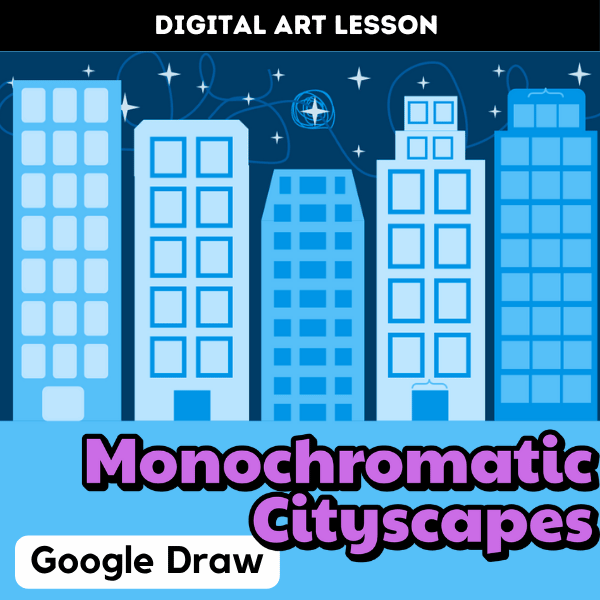

In this digital art lesson, middle school students become designers as they create their own monochromatic cityscapes using Google Draw. The project introduces them to the concept of using one color in a range of tints and shades to build depth and contrast.
Students use shape tools to design buildings, and layer shapes for windows and doors. As they are working, they use the fill tool to create a monochromatic color scheme. Even those new to digital art quickly catch on and start experimenting with layout and composition.
This lesson reinforces key visual art concepts like value and color theory. Best of all, it’s mess-free and perfect for independent work or a sub day!
Their finished cityscapes look modern, creative, and full of personality. I love seeing how each student interprets the challenge in their own unique way.
Want to try this lesson out in your own classroom? Get my ready-to-teach product available in my Teacher Pay Teacher store now! Purchase includes slideshow with embedded videos, practice activities, and drawing templates. Just assign in your Google Classroom or use in whole-group instruction!


